

百度智能小程序 显示消息提示框
swan.showToast
解释:显示消息提示框,用以提供成功、警告和错误等反馈信息。设计文档详见 消息提示框。
方法参数
Object object
object参数说明
| 属性名 | 类型 | 必填 | 默认值 | 说明 |
|---|---|---|---|---|
|
title |
String |
是 |
提示的内容 |
|
|
icon |
String |
否 |
success |
图标,有效值 |
|
image |
String |
否 |
自定义图标的本地路径,image 的优先级高于 icon |
|
|
duration |
Number |
否 |
2000 |
提示的延迟时间,单位毫秒。 |
|
success |
Function |
否 |
接口调用成功的回调函数 |
|
|
fail |
Function |
否 |
接口调用失败的回调函数 |
|
|
complete |
Function |
否 |
接口调用结束的回调函数(调用成功、失败都会执行) |
|
|
mask |
Boolean |
否 |
false |
是否显示透明蒙层,防止触摸穿透。 |
icon 有效值
| 有效值 | 说明 |
|---|---|
|
success |
显示成功图标,此时 title 文本最多显示 7 个汉字长度。默认值 |
|
loading |
显示加载图标,此时 title 文本最多显示 7 个汉字长度。 |
|
none |
不显示图标,此时 title 文本最多可显示两行。 |
示例

代码示例 1 - 默认样式
<view class="card-area">
    <view class="top-description border-bottom">默认样式</view>
    <button bindtap="showToast" type="primary" hover-stop-propagation="true">默认toast</button>
</view>
Page({
showToast() {
swan.showToast({
title: '默认toast',
mask: false,
success: res => {
this.setData({'disabled': false});
},
fail: err => {
console.log('showToast fail', err);
}
});
}
});设计指南
默认消息提示框自带“Success”图标,建议在正向提示场景应用,如“XX 成功”,“XX 完成”,并对反馈内容精简表达。
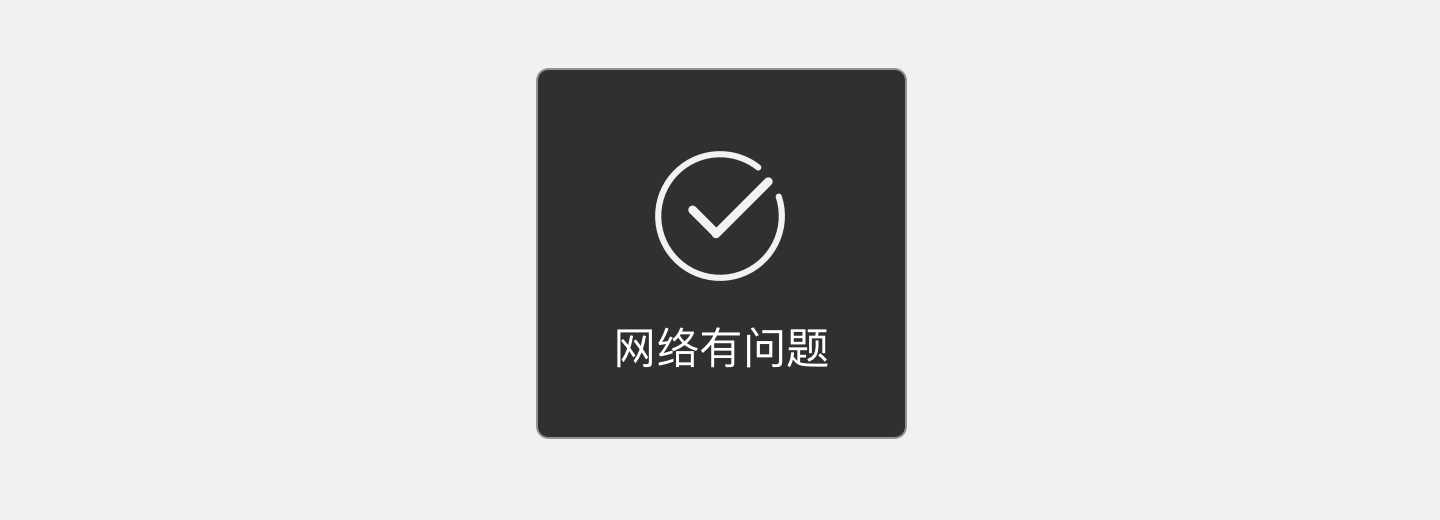
错误
图标与反馈的内容不符合。
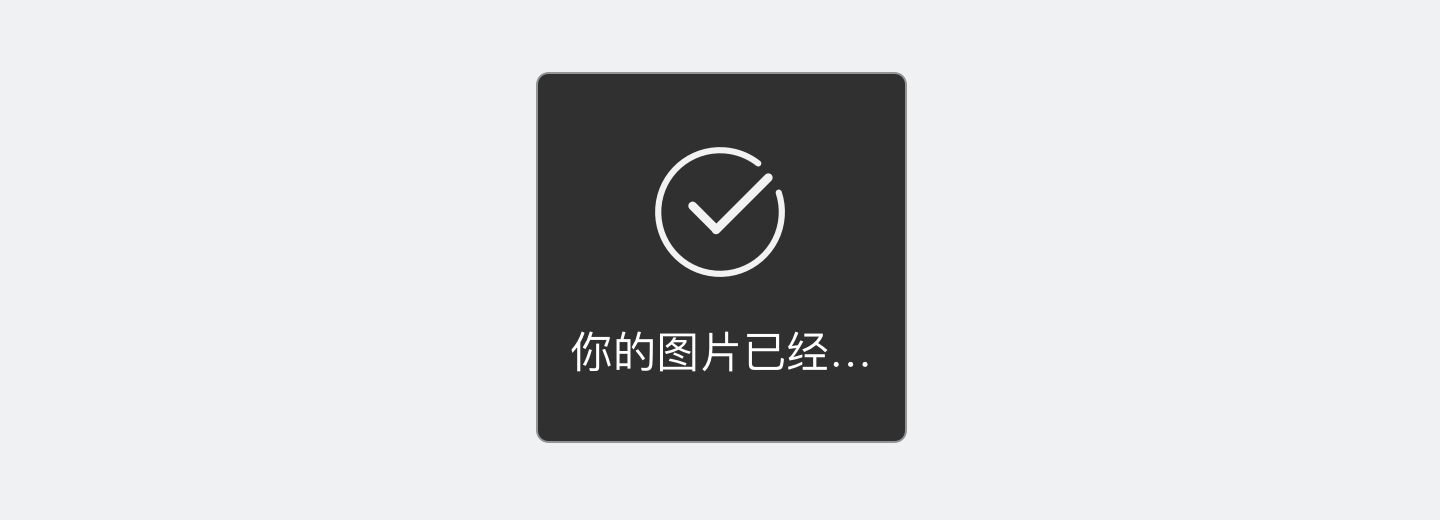
错误
反馈内容过长会显示不全。
代码示例 2 - 无图标 toast
<view class="card-area">
    <view class="top-description border-bottom">
        <view>设置不显示图标</view>
        <view>icon: 'none'</view>
    </view>
    <button bindtap="showToastIcon" type="primary" hover-stop-propagation="true">无图标toast</button>
</view>
Page({
showToastIcon() {
swan.showToast({
title: '单行最多十四个文字单行最多十四个文字',
icon: 'none',
mask: false,
success: res => {
this.setData({'disabled': false});
},
fail: err => {
console.log('showToast fail', err);
}
});
}
});设计指南
无图标的消息提示框最多可显示双行 28 个字,需 措辞 精简,并根据反馈内容设置合理的折行位置。
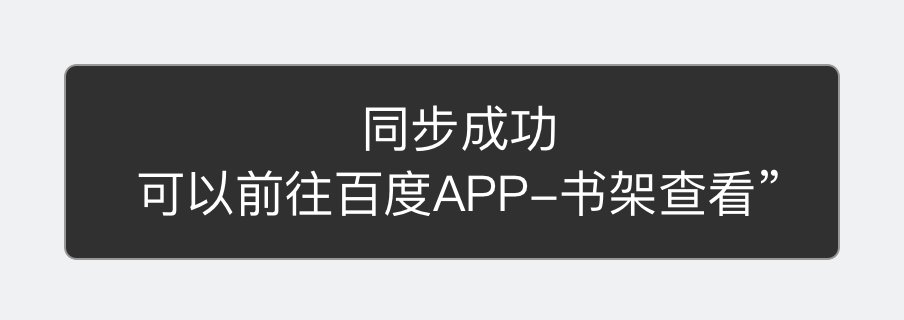
正确
在“同步成功”处设置折行,阅读体验更佳。
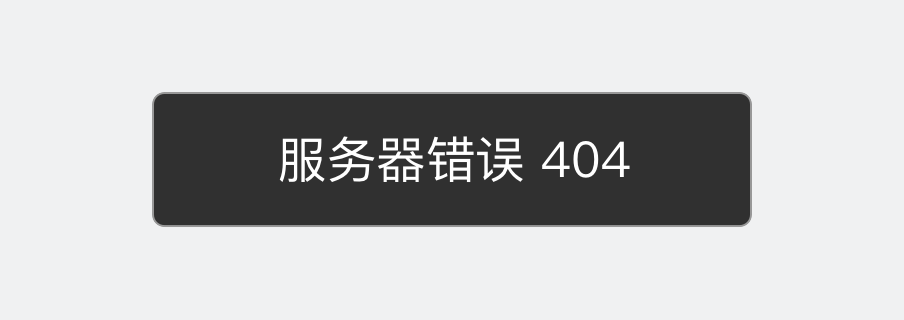
错误
行业术语、技术代码均无法交代清楚原因,应转化为用户语言。
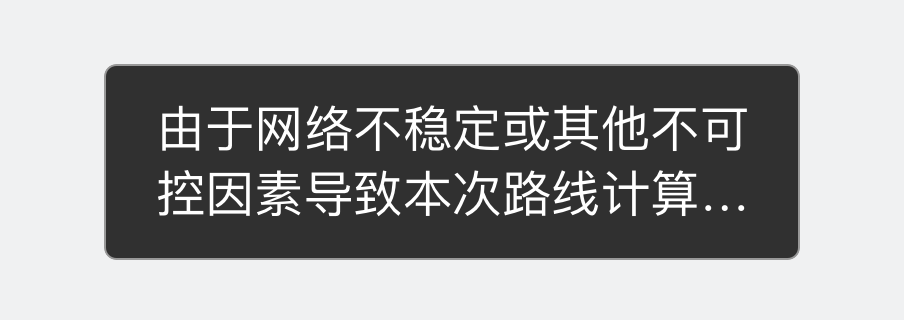
错误
表述模糊冗余,且过长文案显示不完整。
代码示例 3 - 显示 loading 图标
<view class="card-area">
    <view class="top-description border-bottom">
        <view>设置显示loading图标</view>
        <view>icon: 'loading'</view>
    </view>
    <button bindtap="showToastLoading" type="primary" hover-stop-propagation="true">loading toast</button>
</view>
Page({
showToastLoading() {
swan.showToast({
title: '正在加载...',
icon: 'loading',
mask: false,
success: res => {
this.setData({'disabled': false});
},
fail: err => {
console.log('showToast fail', err);
}
});
}
});代码示例 4 - 延迟 5000 毫秒的 toast
<view class="card-area">
    <view class="top-description border-bottom">
        <view>设置延迟时间</view>
        <view>duration: 5000</view>
    </view>
    <button bindtap="showToastDuration" type="primary" hover-stop-propagation="true">延迟5000毫秒的toast</button>
</view>
Page({
showToastDuration() {
swan.showToast({
duration: 5000,
title: '5000毫秒后隐藏',
icon: 'none',
mask: false,
success: res => {
this.setData({'disabled': false});
},
fail: err => {
console.log('showToast fail', err);
}
});
}
});代码示例 5 - 隐藏 toast
<view class="card-area">
    <view class="top-description border-bottom">隐藏toast</view>
    <button bindtap="hideToast" type="primary" disabled="{{disabled}}" hover-stop-propagation="true">隐藏toast</button>
</view>
Page({
hideToast() {
swan.hideToast();
}
});Bug & Tip
- Tip:swan.showLoading 和 swan.showToast 同时只能显示一个。
- Tip:swan.showToast 应与 swan.hideToast 配对使用。
参考示例
参考示例 1 - 开发者可自定义 showToast 样式
<view class="wrap">
    <button type="primary" bindtap="clickbtn"> 点击 </button>
    <view animation="{{animationData}}" class="toast-view" s-if="{{showModalStatus}}">
        要显示的内容
    </view>
</view>
Page({
data: {
animationData: "",
showModalStatus: false
},
showModal() {
let animation = swan.createAnimation({
duration: 200,
timingFunction: 'linear',
delay: 0
});
animation.translateY(200).step();
this.setData({
animationData: animation.export(),
showModalStatus: true
})
setTimeout(()=> {
animation.translateY(0).step()
this.setData({
animationData: animation.export()
})
}, 200)
setTimeout(()=> {
if(this.data.showModalStatus){
this.hideModal();
}
}, 3000)
},
clickbtn() {
if(this.data.showModalStatus){
this.hideModal();
}
else {
this.showModal();
}
},
hideModal() {
this.setData({
showModalStatus: false
})
}
})参考示例 2 - showModal 和 showToast 是否可共存
<view class="wrap">
    <view class="card-area">
        <view class="top-description border-bottom">showModal和showToast可共存</view>
        <button bindtap="showToast" type="primary" hover-stop-propagation="true">点击弹出toast</button>
        <button bindtap="showModal" type="primary">点击弹出modal</button>
    </view>
</view>
Page({
showToast() {
swan.showToast({
title: 'title',
icon: 'none',
mask: false, // 此属性设置为false
success: res => {
console.log('showToast success', res);
},
fail: err => {
console.log('showToast fail', err);
}
})
},
showModal() {
swan.showModal({
title: 'title',
content: 'content'
});
}
});错误码
Android
| 错误码 | 说明 |
|---|---|
202 | 解析失败,请检查参数是否正确 |
302 | 找不到调起协议对应端能力方法 |
iOS
| 错误码 | 说明 |
|---|---|
202 | 解析失败,请检查参数是否正确 |