

阅读(580)
赞(3)
百度智能小程序 删除本地存储的文件
2020-08-13 16:16:18 更新
swan.openDocument
解释:新开页面打开文档,支持格式:doc, xls, ppt, pdf, docx, xlsx, pptx。
Web 态说明: Web 态只支持在部分浏览器环境下打开 pdf 格式文档,其他情形会触发 fail 回调。
方法参数
Object object
object参数说明
| 属性名 | 类型 | 必填 | 默认值 | 说明 |
|---|---|---|---|---|
filePath | String | 是 | 文件路径,可通过 downloadFile 获得 | |
fileType | String | 否 | 文件类型,指定文件类型打开文件,有效值 doc, xls, ppt, pdf, docx, xlsx, pptx。 | |
success | Function | 否 | 接口调用成功的回调函数 | |
fail | Function | 否 | 接口调用失败的回调函数 | |
complete | Function | 否 | 接口调用结束的回调函数(调用成功、失败都会执行) |
示例

图片示例
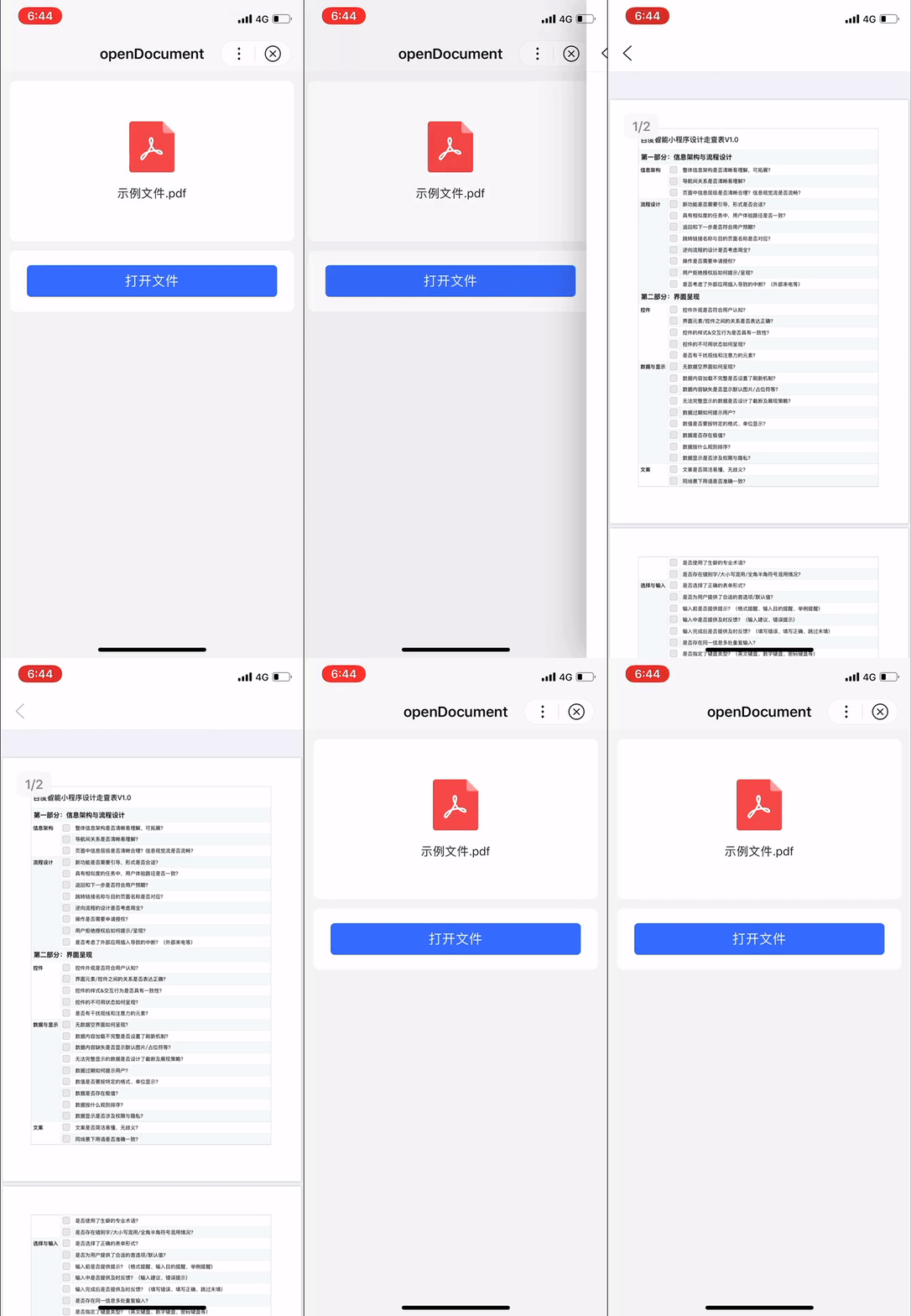
代码示例
<view class="wrap">
    <view class="card-area">
        <view class="display-area">
            <image class="display-area-image" src="https://b.bdstatic.com/searchbox/icms/searchbox/img/file-pdf.png" rel="external nofollow"  mode="widthFix"></image>
            <view class="title">示例文件.pdf</view>
        </view>
        <button type="primary"  bindtap="openDocument">打开文件</button>
    </view>
</view>
Page({
openDocument() {
swan.downloadFile({
url: 'https://example.com/file/xxx', // 仅为示例,并非真实的接口地址
success: res => {
swan.openDocument({
filePath: res.tempFilePath,
fileType: 'pdf',
success: res => {
console.log('openDocument success', res);
},
fail: err => {
console.log('openDocument fail', err);
}
});
},
fail: err => {
console.log('downloadFile fail', err);
}
});
}
});错误码
Android
| 错误码 | 说明 |
|---|---|
202 | 解析失败,请检查参数是否正确 |
1001 | 执行失败 |
iOS
| 错误码 | 说明 |
|---|---|
202 | 解析失败,请检查参数是否正确 |
2001 | 文件不存在 |
2005 | 文件格式不支持 |